Login to TOTEM
Go to Settings --> Applets
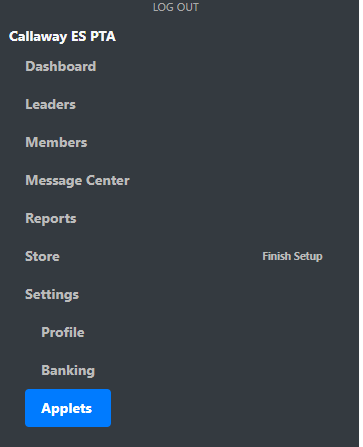
Click on Promote
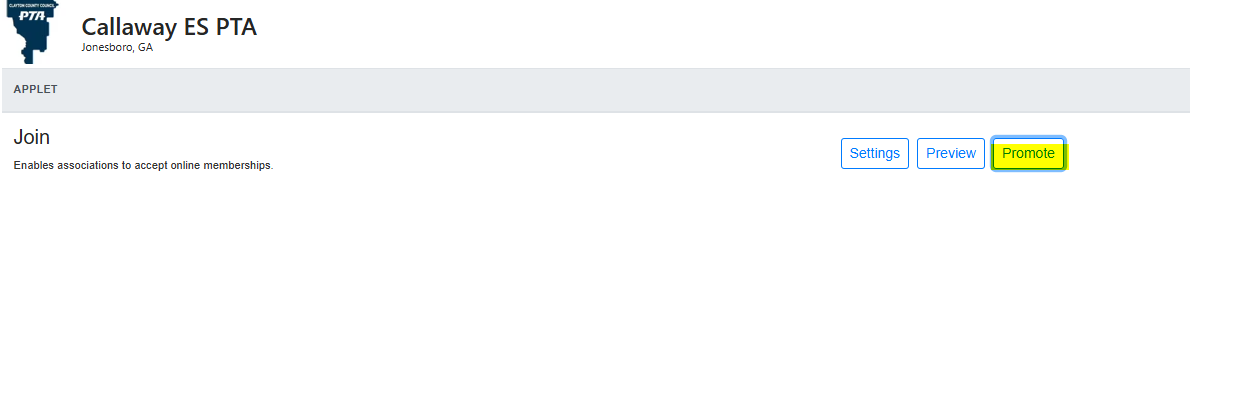
Click on Print Poster
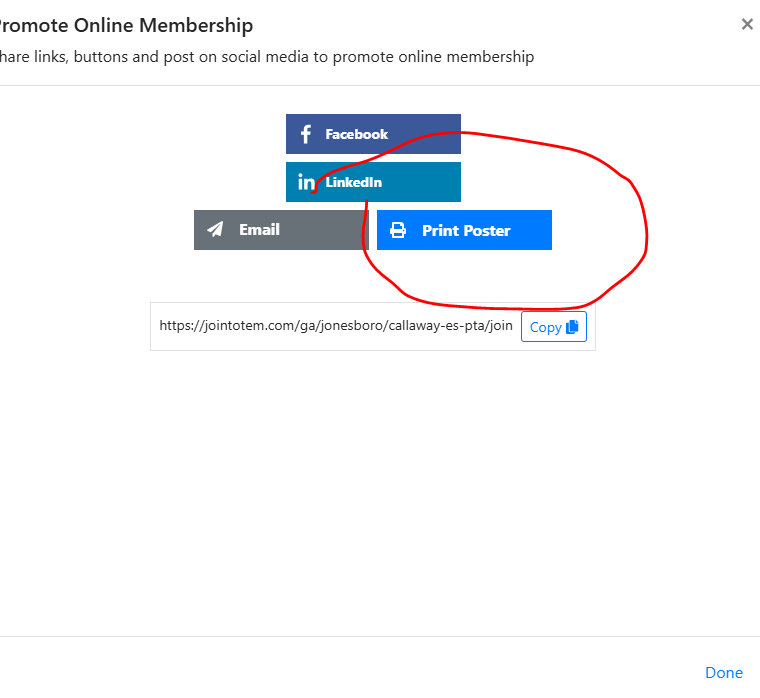
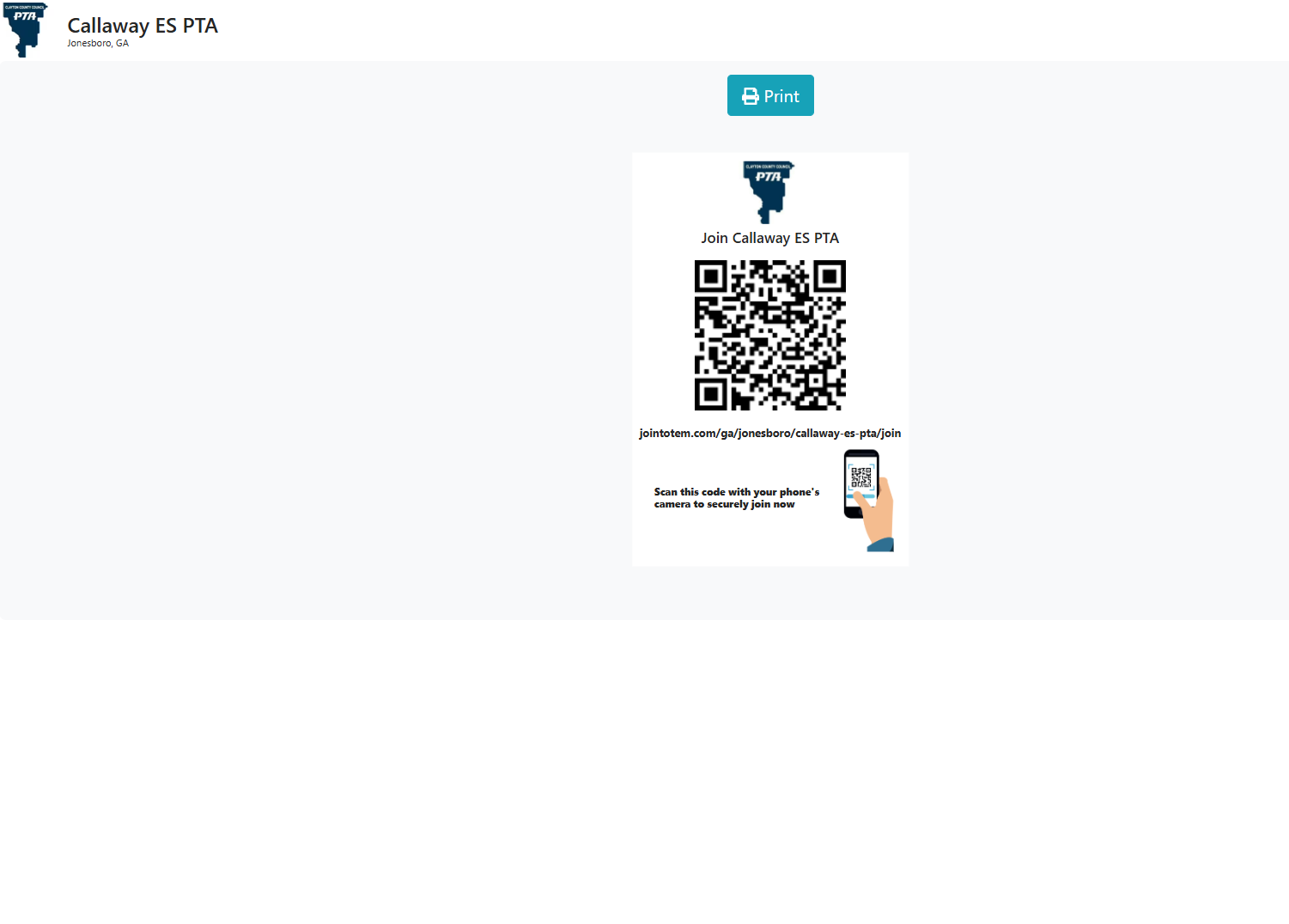
Click on Print to print your QR code Poster

Modified on: Thu, Aug 20, 2026 at 4:14 PM
Login to TOTEM
Go to Settings --> Applets
Click on Promote
Click on Print Poster
Click on Print to print your QR code Poster
Did you find it helpful? Yes No
Send feedback